AHF Service Laptop Authorization: Control Maintenance Connections
AHF service laptop authorization should define the approved computer, engineer, purpose, target equipment, permitted connection and end time before a maintenance device reaches the installation. First confirm with the manufacturer whether the exact filter has a supported service interface and whether the proposed work requires a laptop at all. This article explains the site’s authorization record. It does not claim that CNBYG filters support a particular connector, software package, remote connection or customer-accessible maintenance mode. If the interface is unconfirmed, keep the laptop disconnected and obtain the correct instructions.
Establish whether the connection is necessary
A maintenance request should name a specific task: collecting manufacturer-supported diagnostic information, checking an approved setting or performing a separately authorized intervention. “Troubleshooting” alone is too broad to define access. Ask what information is needed, which equipment holds it and whether an existing approved record can answer the question without introducing a new device.
Identify the unit by site tag, model, serial number and location. The CNBYG AHF product page establishes the product family, but the installed equipment documentation determines the available method. A connector’s appearance does not establish its pinout, electrical properties or permitted use. Do not connect a cable simply because it fits.
Keep diagnostic access distinct from modification. A visit authorized to read information should not silently become permission to change parameters or install software. If the investigation reveals a need for broader work, pause that part of the task and send an amended request to the responsible authority. The record should make that boundary visible to the visiting engineer and site escort.
Define the people who can authorize access
The equipment owner should nominate the person who approves the operational scope. Electrical personnel should establish the safe work condition and access requirements. The site’s OT or information-security contact should review the proposed maintenance computer when it could affect controlled systems. Manufacturer support should confirm the permitted equipment interface and service method.
These responsibilities may sit with a small number of people at a smaller plant, but the questions remain distinct. A laptop owner cannot authorize access to every site system, and a supplier appointment is not automatically a permit to open an electrical enclosure. Record each approval and any conditions in a place the team can retrieve at the work location.
Include the engineer’s identity, organization and approved task competence. Define supervision or escort arrangements where required by the site’s rules. If the named engineer is replaced, check the substitute’s authorization rather than treating the supplier’s company name as sufficient evidence for any individual who arrives.
Review the computer and tools before arrival
Identify the laptop by a stable asset reference, its custodian and the relevant software versions. Ask how the organization controls the device between visits. The review should cover approved service applications, file sources, required security checks and any restrictions on storage or communications. Avoid collecting personal information that is irrelevant to the maintenance decision.
In NIST SP 800-82 Revision 3, maintenance guidance addresses controlled tools, approved software and the risks associated with maintenance devices moving between environments. Apply that guidance through a site-specific process. It does not mean a generic office security checklist proves an industrial laptop is safe for every AHF installation.
Schedule verification early enough to resolve differences before the outage. A supplier may need an older supported service application or a manufacturer-managed computer. Evaluate that requirement with the responsible specialists; do not improvise by updating or disabling protections at the cabinet. Record an approved exception, compensating arrangements and an expiry if the site’s process permits one.
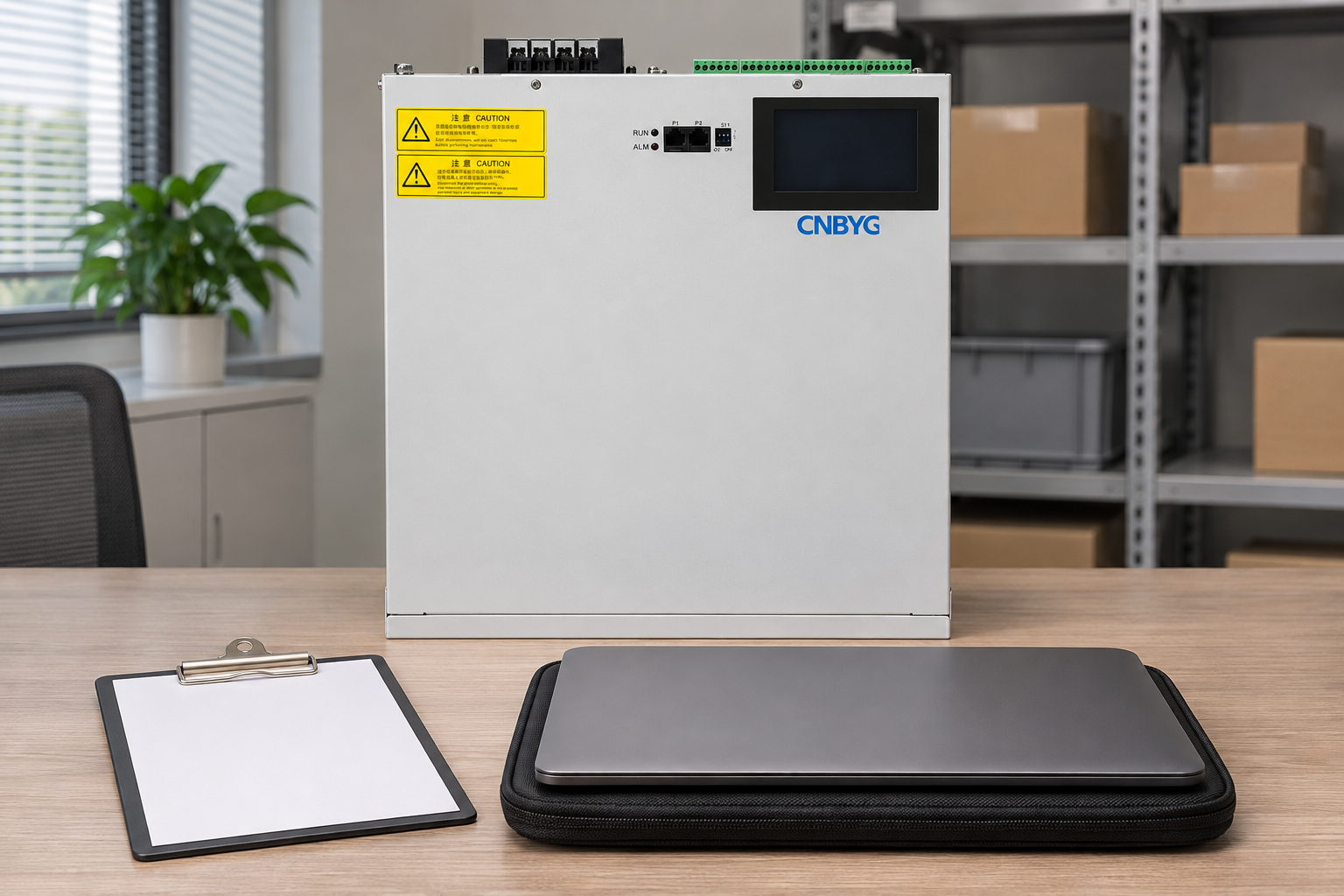
Write a connection-specific authorization record
The following suggested record makes the permission narrow enough to review. It contains no assumed product interface and no universal network settings. Complete interface fields only from the manufacturer’s documentation and the approved site method.
| Record field | What to enter | Condition requiring review |
|---|---|---|
| Target equipment | Site tag, serial, location and approved drawing reference | Engineer reaches a different unit |
| Maintenance purpose | Specific information or approved action required | Read-only task expands into changes |
| Engineer and device | Named person, company and laptop asset identity | Substitute person or computer arrives |
| Tools and files | Approved application and package references | Unreviewed software or files are introduced |
| Connection boundary | Confirmed interface, permitted path and duration | Extra system, connection or route is proposed |
| Access permissions | Approved account or privilege scope and custodian | Higher access is requested during work |
| Closeout evidence | Activity record, removal and post-work review | Temporary access remains active |
The table is a project checklist. It does not replace a permit, manufacturer procedure or formal cybersecurity assessment. Keep sensitive credentials outside the general authorization form; reference the approved access process instead of writing passwords into a document that may be widely circulated.
Control temporary communications and file movement
Review all communication paths the maintenance device could introduce. Where relevant, include wired connections, wireless radios, mobile connectivity and removable media. A computer attached to more than one environment can create an unintended path even if the engineer only intends to inspect a single device. The site should specify permitted communications before the visit.
Do not prescribe disabling a particular adapter without considering the actual approved method. Some service arrangements may require a manufacturer-managed connection; others may prohibit all external connectivity during local maintenance. Record the chosen arrangement, who approved it and how the team will confirm it at the work location.
For files leaving the site, identify what may be collected, where it will be stored and the authorized recipient. Diagnostic exports can contain operational information. Give the engineer a clear route for necessary support evidence, while keeping unrelated data outside the collection scope. File transfer approval should not imply permission to capture the entire site network or copy other equipment records.
Check the approved boundary at the work location
Before connection, compare the arriving engineer, laptop and tools with the authorization record. Confirm the target equipment and current work order. Verify that required site permits and manufacturer instructions are available. If the actual configuration differs from the planned one, record the difference and resolve its effect before continuing.
Use the AHF installation checklist to locate relevant installation records, without assuming it grants maintenance access. The electrical team must determine the safe work state. No administrative laptop approval can establish that exposed equipment is safe to touch or that stored electrical energy has dissipated.
Record the start time, approved purpose and responsible site contact. A practical stop rule is that any unplanned asset, software package, privilege or connection path returns to review. This prevents a small diagnostic request from growing into an undocumented intervention while still allowing the team to continue work that remains within its approved boundary.
Keep a useful activity record during the visit
Record which asset was accessed, the approved tools used, the relevant observations and whether any changes occurred. For a read-only task, explicitly state whether that boundary was maintained. Preserve the files required by the approved support case, with filenames that connect them to the unit and observation time.
If the engineer identifies a fault, separate the observed symptom from the proposed cause. Link the service note to the event record rather than replacing it with a conclusion such as “software problem.” The AHF alarm troubleshooting guide explains the value of retaining exact messages and operating conditions before attempting corrective action.
Avoid copying confidential service credentials or proprietary instructions into a public-facing report. The site needs enough evidence to understand the work and maintain accountability. Detailed protected materials can remain in an appropriately controlled location with a reference in the maintenance record.
Remove temporary access and verify the final condition
Closeout should establish that the temporary physical connection was removed and any temporary access was handled under the site’s process. Record which files were retained, where they went and whether the approved task was completed. Identify the person who checked removal and the time the maintenance boundary ended.
Review the relevant equipment configuration after maintenance. An apparently successful diagnostic session can still leave an enabled service function or an unexpected setting. The responsible engineer should define what must be checked for this installation. If no equipment changes were authorized or observed, document that finding without claiming that every hidden setting was independently inspected.
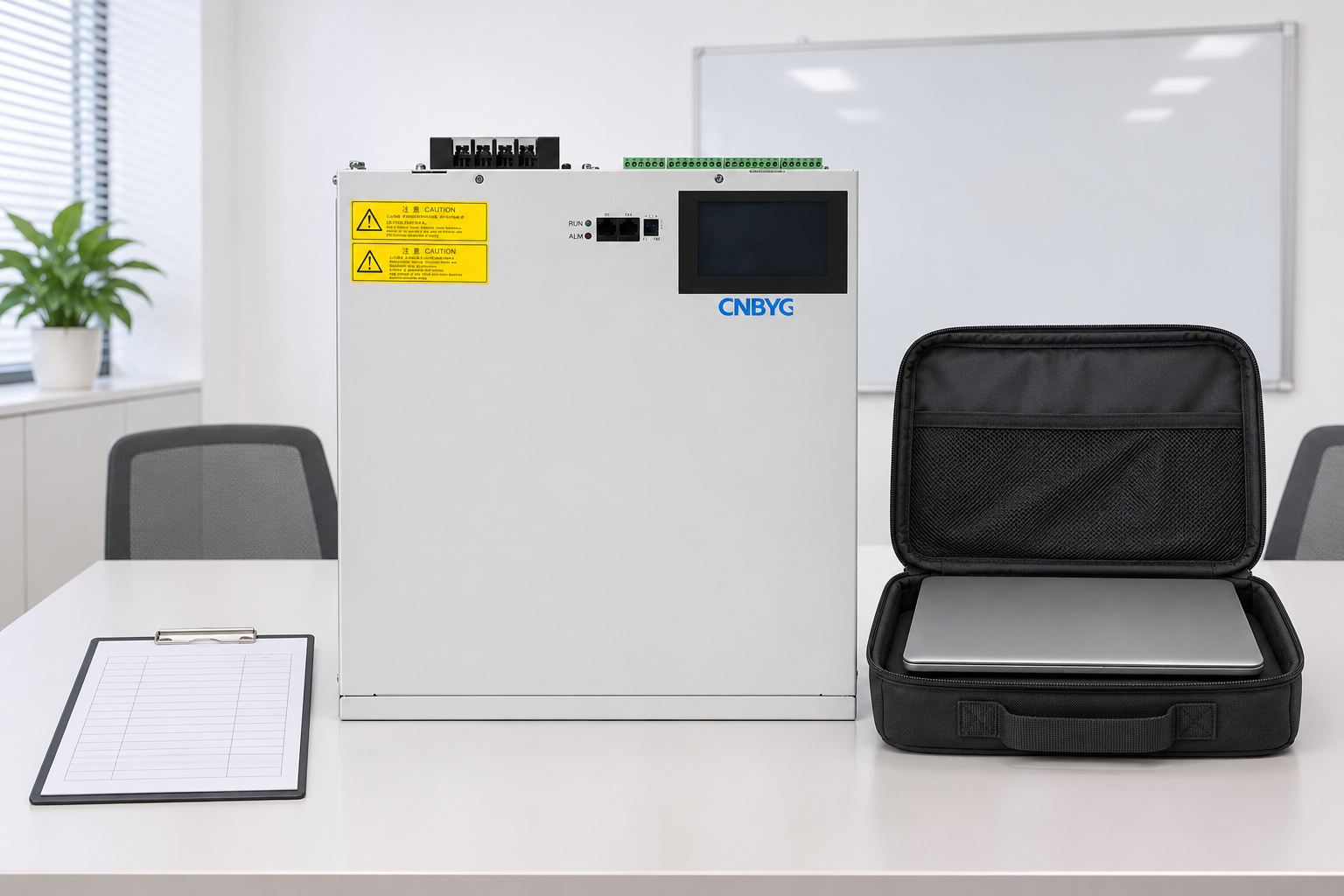
Use NIST SP 800-128 as general configuration-control guidance when a visit changes the approved baseline. Keep the laptop authorization, equipment change approval and final service report linked by job reference, so a later reviewer can reconstruct the complete intervention.
Electrical safety learning before a service visit
The US Department of Labor video below addresses a fatal electrical panel repair incident. It helps explain why administrative permission to use a tool cannot substitute for competent electrical work and the approved safe work condition. It does not show a CNBYG service interface or establish a laptop connection procedure. Plan subsequent routine attention through the separate AHF maintenance schedule.

Frequently asked questions
Does every AHF require a laptop for maintenance?
No. The exact equipment and task determine the supported method. Confirm the requirement with the manufacturer rather than assuming that a visible terminal or product family name means laptop access is available.
Can an approved service laptop be used on a different unit during the same visit?
Only if the site’s authorization covers that unit and task. A device approval does not automatically extend the equipment scope, connection path or permitted actions.
Does laptop authorization permit a firmware update?
No. Approving a maintenance computer and approving an equipment change answer different questions. A firmware intervention needs its own supported procedure, compatibility review, recovery arrangements and acceptance criteria.
What evidence should remain after the laptop is removed?
Retain the engineer and device identities, accessed asset, actual activity, authorized files, any approved changes, removal confirmation and unresolved items. Keep credentials and restricted service material in their appropriate controlled locations.