Energy Meter Interval Beginning or Ending Timestamps: How to Verify
An energy meter interval beginning or ending timestamp tells you which time period a stored value describes. A start-labeled record marks the beginning of that period; an end-labeled record marks its end. Confirm the exporter’s documented convention, interval length, time zone, and value type before moving timestamps or comparing files. A one-interval labeling difference can make two correct datasets appear shifted even when neither clock is wrong. Do not correct the instrument clock until the labeling convention has been separated from a genuine time error.
This question usually arises in an external gateway, historian, utility file, or energy-management export. The visible time on a panel instrument is not enough to establish how another system labels aggregated records. For a CNBYG installation, document the exact meter variant and the software that forms the interval. The examples below are arithmetic illustrations, not claims about a specific BY194 logging or export function.
Identify what the timestamp describes
A timestamp can refer to the start of an interval, its end, the instant of a sample, the receipt of a message, or the creation of an export. These meanings cannot be interchanged safely. Ask for the field definition rather than guessing from a column named time. Record whether the value beside it is interval energy, average power, maximum demand, or a cumulative register reading.
For a hypothetical 15-minute interval from 10:00 to 10:15, a start-labeled file may identify the interval as 10:00 while an end-labeled file identifies it as 10:15. The interval itself has not moved. If both values are interval energy for the same boundary, they may be comparable after a documented label transformation. If one is an instantaneous reading, shifting it does not turn it into interval energy.
The three-phase metering guide provides the wider measurement context. Use the BY194 family information to identify relevant product documentation, then confirm the installed variant and external collection design. Do not infer interval duration, time synchronization, or archive capabilities from the product image.
Read the exporter contract first
Obtain the file specification or data dictionary for the actual export. Look for interval length, timestamp convention, time zone, daylight-saving treatment, and rules for midnight. Also check how missing or estimated intervals are represented. A complete-looking daily row count can still contain duplicates, substitutions, or an incorrectly interpreted boundary.
Oracle’s interval data file specification provides a concrete example of an end-of-read timestamp contract. It applies to that interface, not to every meter file. Its value here is demonstrating why the receiving system’s documented convention must be checked rather than assumed universal.
AEMO’s interval-time explanation illustrates how interval periods relate to daily readings in its own market context. Do not transplant market-specific rules into an unrelated plant. Use such examples to ask the right questions, then apply the contract governing your data.
Write both boundaries explicitly during validation
For a fixed interval duration Δt, derive an explicit start and end in a working validation table. If the label is the start, end equals label plus Δt. If the label is the end, start equals label minus Δt. Keep the original label and convention so that the transformation remains reversible and reviewable.
In the hypothetical example, a start label of 10:00 with Δt = 15 minutes gives an end of 10:15. An end label of 10:15 with the same duration gives a start of 10:00. State the zone and date as well as the clock time. Across midnight, subtracting 15 minutes from 00:00 can place the interval start on the previous calendar day.
| Original field meaning | Example label | Derived interval | Validation concern |
|---|---|---|---|
| Beginning of a 15-minute interval | 10:00 | 10:00 to 10:15 | Do not compare directly with a 10:00 end label |
| End of a 15-minute interval | 10:15 | 10:00 to 10:15 | Preserve the documented ending convention |
| Instantaneous sample | 10:15 | No duration established by the label alone | Do not invent an interval without supporting metadata |
| Message receipt time | 10:15 | Describes arrival, not necessarily measurement | Network delay may separate receipt and sample times |
| Export creation time | 10:15 | Describes the output event | Does not establish the time range of included readings |
These examples use a chosen 15-minute duration for explanation. They do not prescribe an interval length or an acceptance tolerance. The actual collection and reporting requirements determine those values.
Keep energy and power interpretation separate
Interval energy is an amount accumulated over a period. Average power is that energy divided by the period’s duration in compatible units. For an illustrative 3 kWh over 0.25 hours, average power is 3 / 0.25 = 12 kW. This calculation assumes the 3 kWh genuinely belongs to that quarter-hour and that the data is suitable for the purpose.
Moving a label should not change the energy value or turn an average into a maximum. A demand figure can depend on a particular averaging window and method. A cumulative register needs differences between appropriate readings before it can represent interval consumption. Document these transformations independently rather than hiding them inside a timestamp correction.
Check the phase and total mapping review when aligning related points. Different collection boundaries or aggregation methods can explain discrepancies even after labels align. Do not force phase sums and a separately measured total to agree by shifting timestamps until a visually convenient result appears.
Distinguish a convention difference from a clock problem
A consistent one-interval offset is a clue, not proof, of different label conventions. Compare the documentation and several known operating transitions. Verify whether both datasets use the same zone, duration, and aggregation method. A clock drift may change gradually; a convention difference can remain fixed, but real systems can combine several issues.
Use existing documented events rather than creating load changes solely for this test. Record the event time, the source of that time, and its uncertainty. Compare the corresponding interval boundaries in each dataset. If evidence is insufficient, mark the alignment unresolved instead of changing timestamps or device clocks based on a chart alone.
The maintenance data-gap guide helps explain interruptions that can disrupt apparent alignment. A missing interval can make a row-based comparison look shifted. Join records by validated boundaries and identifiers rather than assuming the next row always represents the next interval.
Handle time zones and daylight saving deliberately
An offset such as +08:00 gives important context, but it is not the same as a full regional time-zone rule. A file in local civil time can encounter repeated or missing clock labels where daylight saving applies. A fixed-offset or UTC-based file can behave differently. Obtain the exporter’s explicit policy and preserve it with the data.
The RFC 3339 timestamp format describes a date-time representation with an offset. It does not tell you whether a measurement labels the beginning or end of an interval. Encoding the timestamp correctly and defining its engineering meaning are separate tasks. Keep both definitions in the interface documentation.
Do not assume every day contains the same number of locally labeled intervals when a regional time change is relevant. Conversely, do not introduce daylight-saving adjustments into a dataset that uses a fixed standard time. Validate at a known transition only when the dataset and jurisdiction actually use that rule. Record exceptions rather than silently duplicating or deleting rows.
Test imports with a small known window
Before loading an entire archive, select a short window containing identifiable intervals and a date boundary. Retain the original export and create a separate validation copy. Import into a controlled test area using the receiving system’s documented settings. Check the derived start and end, displayed labels, units, quality flags, and record count.
Compare the first and last included intervals with the export request. Interfaces can treat requested boundaries differently, so a selected end date does not guarantee a specific final record. Confirm the actual records rather than assuming the UI’s date selector defines the file contents. Keep duplicates and gaps visible for investigation.
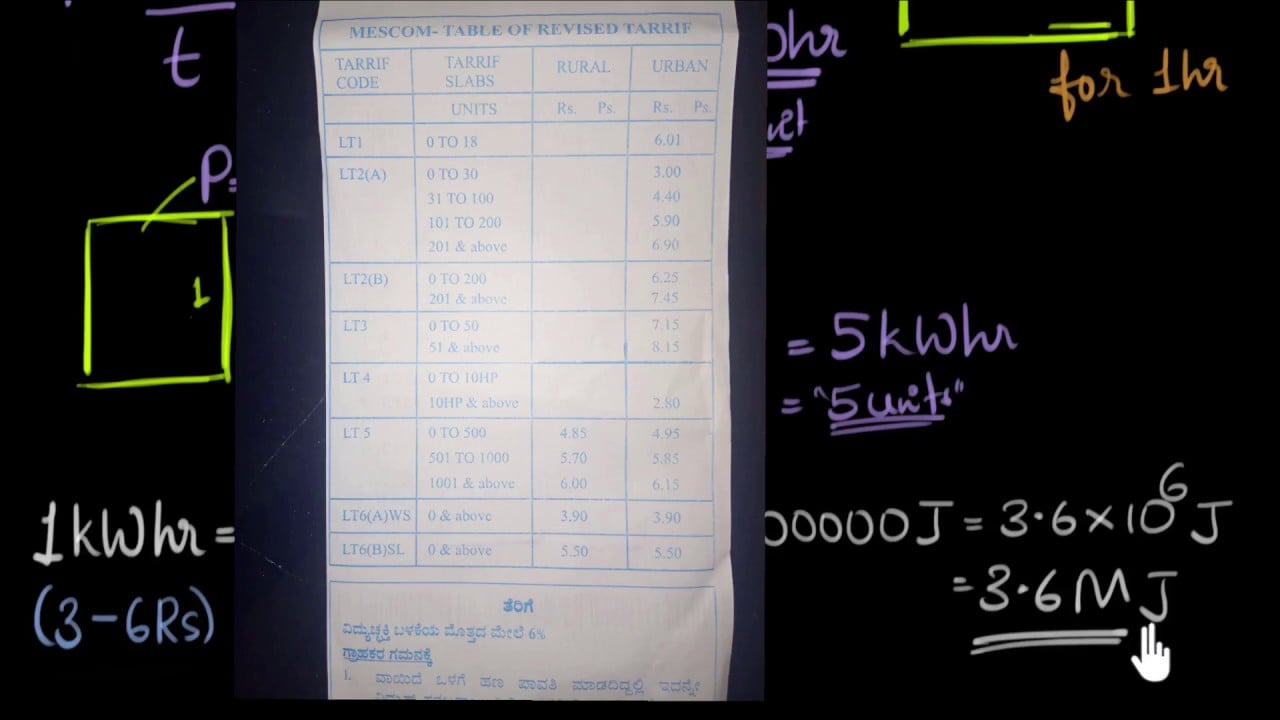
For conceptual background, the following lesson explains energy and power units. It supports the distinction between a quantity accumulated over an interval and a rate. It does not define the timestamp convention of any meter, utility interface, or CNBYG product.

Record the accepted mapping for future users
The final interface record should specify the value type, unit, interval duration, label convention, zone rule, midnight handling, missing-data treatment, and any transformation applied. Include a worked example from a permitted test dataset. This makes future imports reproducible and reduces the chance that a new engineer will shift the data again.
If two systems deliberately display different labels, document how they correspond. They do not need identical visible timestamps to describe the same interval. Preserve original data and apply transformations in a controlled layer with a clear owner. Avoid editing the only retained file or changing a live clock to compensate for a reporting convention.
For procurement and handover, ask the integrator to demonstrate an export and import of a known interval window. Request the relevant data dictionary rather than a general assurance that timestamps are supported. This evidence helps distinguish a documented interface from a workflow that happens to look correct on one dashboard.
Frequently asked questions
Does a 10:15 timestamp always mean the interval ended at 10:15?
No. It may mark an interval start, a sample, receipt, or export creation. Read the field definition and confirm the duration and zone before deriving boundaries or comparing values.
Can I fix an apparent offset by moving every row?
Only after documenting that a label transformation is required. First exclude time-zone differences, missing rows, different durations, and actual clock errors. Preserve the original and record the transformation separately.
Does changing the label change interval energy?
A valid relabeling of the same interval should preserve its energy value. It changes how the boundary is represented, not the measured quantity. Other transformations, such as deriving energy from cumulative readings, require their own checks.
Does this prove a BY194 meter records intervals internally?
No. The interval may be formed by external software. Storage, synchronization, and export capabilities depend on the exact installed variant and system design. Verify them through the applicable documentation.