Power Meter CSV Header Encoding: UTF-8 and Import Validation
Power meter CSV header encoding validation checks that the receiving application reads the intended column names and characters before it imports any measurements. Confirm the export’s delimiter, quoting rules, character encoding, byte-order-mark behavior, and header contract. Open the original as text as well as through a controlled parser, compare the decoded headers with the required schema, and test a small sample. Do not rename columns or resave the only original until the cause of the mismatch is understood.
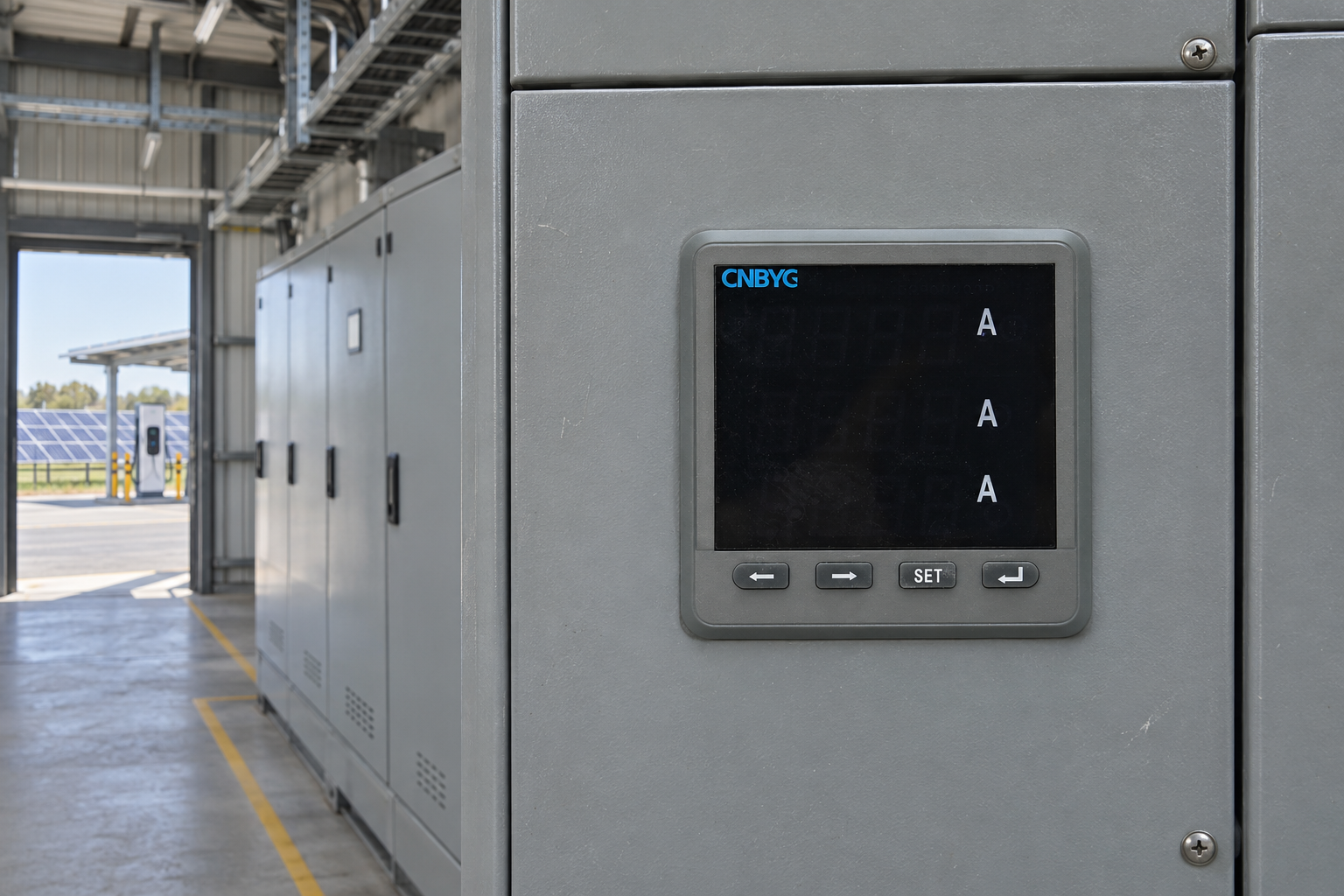
The export may come from an external gateway, historian, or energy-management application rather than directly from a panel meter. For a CNBYG installation, identify the supplied instrument and the software responsible for the file. A successful CSV import does not establish the electrical accuracy of readings, and a product photograph does not establish a built-in CSV export function.
Separate text decoding from column meaning
Character encoding determines how bytes become characters. Delimiting and quoting determine how text becomes fields. A schema determines what those fields mean and which names are accepted. These are distinct layers. A file can decode correctly yet use the wrong delimiter, or parse into columns correctly while the first header contains an unexpected invisible character.
Start with the receiving application’s documented requirements. Does it expect a header row? Are names case-sensitive? Are spaces permitted? Does it require a particular order, or does it map columns by name? Ask these questions before changing a file because an importer reports an unknown field. The message can be a symptom of decoding, parsing, or an actual schema mismatch.
Use the BY194 family page to establish product context and locate relevant supplied documentation. Keep external data handling separate from instrument capabilities. The three-phase meter guide can help define the measurement boundary, but it does not replace the exporter’s file specification.
Preserve the original bytes
Save the untouched export and record its source, creation time, software version, selected window, filename, and size. Use a working copy for inspection and transformations. Opening a CSV in a spreadsheet and pressing save may change encoding, quoting, dates, leading zeros, and numeric presentation. That can conceal the original cause of an import failure.
If an approved checksum workflow exists, identify the original file before editing. Keep transformed versions separately named and document what changed. An import test should point to the exact version used. Avoid a folder containing several files all named final, because a later successful import becomes difficult to reproduce.
Inspect text through a suitable editor or parser that can report encoding and reveal unusual characters. Do not rely on a spreadsheet’s visual column grid alone. A visually normal header may include a leading byte-order mark, a nonbreaking space, a trailing space, or a different Unicode character that resembles a familiar letter.
Understand UTF-8 and the byte-order mark
The Unicode Consortium’s UTF and BOM FAQ explains the byte-order mark and its behavior across Unicode encodings. In UTF-8, a BOM can act as an encoding signature, but it is not needed to determine byte order. Some applications handle it automatically; others can expose it as part of the first field if their decoding path is unsuitable.
Do not assume every strange first-column name is caused by a BOM. Verify the actual bytes and decoding behavior with an appropriate tool. The first field may instead contain a literal unwanted character, an incorrect delimiter may combine the whole line, or the receiving schema may expect another name. Diagnose the observed file instead of applying a universal delete-first-character rule.
A BOM-aware decoding option may be appropriate where the importer supports it and the interface contract allows the file. If a conversion is required, perform it on a separate copy using a documented method. Keep a record of the source and target encoding and verify that non-ASCII labels survive. Removing arbitrary bytes can damage legitimate characters.
| Symptom | Possible cause to investigate | Useful check |
|---|---|---|
| Only the first header fails to match | BOM or another leading character | Inspect original bytes and decoded first-field representation |
| Entire header appears as one column | Delimiter or quoting mismatch | Parse with the documented delimiter and quote rules |
| Accented labels appear corrupted | Incorrect character decoding | Compare source encoding with the import configuration |
| Names look correct but mapping fails | Case, whitespace, or schema difference | Compare exact decoded strings with required field names |
| Identifier loses leading zeros | Spreadsheet type conversion | Inspect original text and configure the field as text |
| Values enter the wrong columns | Embedded delimiters or malformed quoting | Validate complete records rather than splitting on every comma |
These are diagnostic possibilities, not automatic conclusions. Record the observed evidence and confirm the cause before applying a correction.
Parse CSV with its actual quoting rules
The RFC 4180 CSV description documents common CSV conventions, including optional headers and quoting fields containing commas or line breaks. It is informational and does not mean all exporters follow the same dialect. A semicolon-delimited export may be valid for its own contract even though it differs from the comma-delimited convention.
Do not split every text line on commas and assume the resulting pieces are fields. A quoted label can contain a comma, and a quoted field can span a line boundary. Use a parser configured for the documented format. Validate that the header and records have the expected field count under that parser rather than through a simple visual count.
The CSV locale validation guide covers delimiter and numeric-locale interactions. Keep that issue separate from encoding. Correctly decoding UTF-8 does not determine whether a comma is a decimal separator or a field delimiter. Document both decisions in the import configuration.
Compare the exact header contract
Build a small comparison listing the received decoded name, required name, intended meaning, and proposed mapping. Check capitalization, spaces, punctuation, and unit suffixes. Avoid silently trimming or lowercasing every name unless the receiving contract explicitly permits that normalization. Two distinct fields can otherwise collapse into the same normalized name.
Check for duplicate headers before importing. A parser may reject them, rename them, or retain only one value depending on its design. If a file contains two fields named energy, do not guess which is cumulative and which is interval consumption. Obtain a corrected export or an approved explicit mapping from the system owner.
Units belong in the schema or a clearly documented field definition. A header such as value is not enough to distinguish kW, kWh, current, or a scaled raw register. The phase and total mapping review explains why apparently plausible columns still need measurement-boundary checks. Successful parsing is only the start of engineering validation.
Test non-ASCII text and identifiers deliberately
Use a permitted sample containing representative labels, including non-ASCII characters if the real dataset uses them. Verify that the importer preserves those labels and that an export from the receiving system does not corrupt them. A test containing only plain ASCII can pass even when the workflow mishandles other characters.
Identifiers require particular attention. A feeder code, meter serial, or site reference may look numeric but function as text. Preserve leading zeros and avoid scientific notation or unintended date conversion. Compare the original identifier with the imported value rather than assuming a displayed approximation is equivalent. Keep substituted test identifiers clearly marked as examples.
Run a controlled sample import
Create a small, known sample from a working copy under the project’s data-handling policy. Include a date boundary, a missing-value representation, and representative identifiers where applicable. Import into a test area rather than appending immediately to the production archive. Check the decoded headers, mapped columns, record count, units, timestamps, and quality fields.
Inspect failures at the appropriate layer. If decoding fails, do not proceed to interpreting measurements. If parsing succeeds but mapping fails, compare exact names and schema. If mapping succeeds but values look wrong, investigate types, locale, scaling, and source meaning. This sequence prevents a quick header rename from masking a more important data problem.
The following energy-and-power lesson provides background for distinguishing common measurement units after a file has been decoded and mapped. It is not a CSV tutorial or proof of a device export feature. The written checks above provide the actual header and encoding workflow independently of the video.

Keep the accepted import configuration
Save the approved delimiter, quoting rules, encoding, BOM handling, header presence, exact field mapping, types, and unit definitions with the interface record. Include the software version and a permitted example file. If an exporter changes its format, treat that as an interface change and rerun the sample checks before processing a large archive.
A clear handover states both what passed and what remains outside scope. For example, the named file decoded under the documented settings, its headers matched the approved schema, and the selected sample imported correctly. It should not claim that all historical records are accurate or that the meter is calibrated. Those conclusions need different evidence.
When asking a supplier or integrator for help, provide the error message, sanitized header line, file-format specification, and import settings. Avoid sending an entire operational database when a narrow example can reproduce the problem. Preserve the original internally so that any proposed conversion can be checked against the actual source bytes.
Frequently asked questions
Why does only the first CSV header fail?
A leading BOM or another invisible character is one possibility, but not the only one. Inspect the original bytes, decoded field, delimiter, and required schema before applying a correction. Do not delete the first character blindly.
Should every CSV file be converted to UTF-8 without a BOM?
No universal rule fits every interface. Follow the receiving application’s documented contract and use supported decoding options. If conversion is required, preserve the original, document the method, and test representative characters and identifiers.
Does a successful import prove the measurements are valid?
No. It establishes only the checks actually performed on decoding, parsing, mapping, and selected records. Validate units, timestamps, scaling, measurement boundaries, and quality information separately.
Does a BY194 meter necessarily export CSV files?
No. The file may be produced by external software. Confirm the supplied variant, supported tools, and system design before describing a device-level export capability. The illustrations show conceptual external review materials.