Power Meter Configuration Backup: Replacement and Restore Checks
A power meter configuration backup should preserve the exact settings, device identity, supporting manuals and verification records needed to replace or restore the instrument. A file alone is insufficient: the replacement must accept the settings, represent the same measurement circuit and produce verified readings. Where export software is unavailable, a controlled manual record can provide the configuration baseline. Never assume an apparently identical front panel proves compatibility.
This guide addresses configuration recovery for industrial monitoring. It separates settings from accumulated energy, historical trends and site security credentials. For communication commissioning, start with power meter Modbus setup. Any work affecting energized equipment requires the site’s approved isolation and competent personnel; this article is a planning and documentation procedure, not a live replacement instruction.
Define what the backup must recover
A useful recovery objective states which service must return and which evidence will demonstrate success. A maintenance display, an energy reporting system and a process interlock have different consequences when readings are wrong. Identify those consumers before collecting settings. Record who can approve a temporary loss of monitoring, how gaps will be marked and who owns the final release.
Separate the instrument configuration from the wider system. A meter may contain circuit type, transformer ratios and communication settings. A gateway may contain register addresses, scaling rules and polling schedules. A historian may contain asset names, calculations and reporting boundaries. Restoring only one component can leave the whole measurement chain incorrect even when every device responds normally.
NIST’s OT Backup Quick Start Guide treats backups as part of change management and recovery exercises. Apply that principle here by capturing an approved baseline before a planned change, documenting the change and testing whether the retained records are actually usable. This does not imply that a particular meter offers a built-in backup function.
Establish the exact instrument identity
Record manufacturer, model, complete order code, serial number, hardware revision and firmware version where accessible through approved documentation or menus. Include installed communication and input options. Link the record to the physical asset number and the panel drawing revision. Photograph accessible labels only under the site’s access rules; do not open a live enclosure just to complete a spreadsheet.
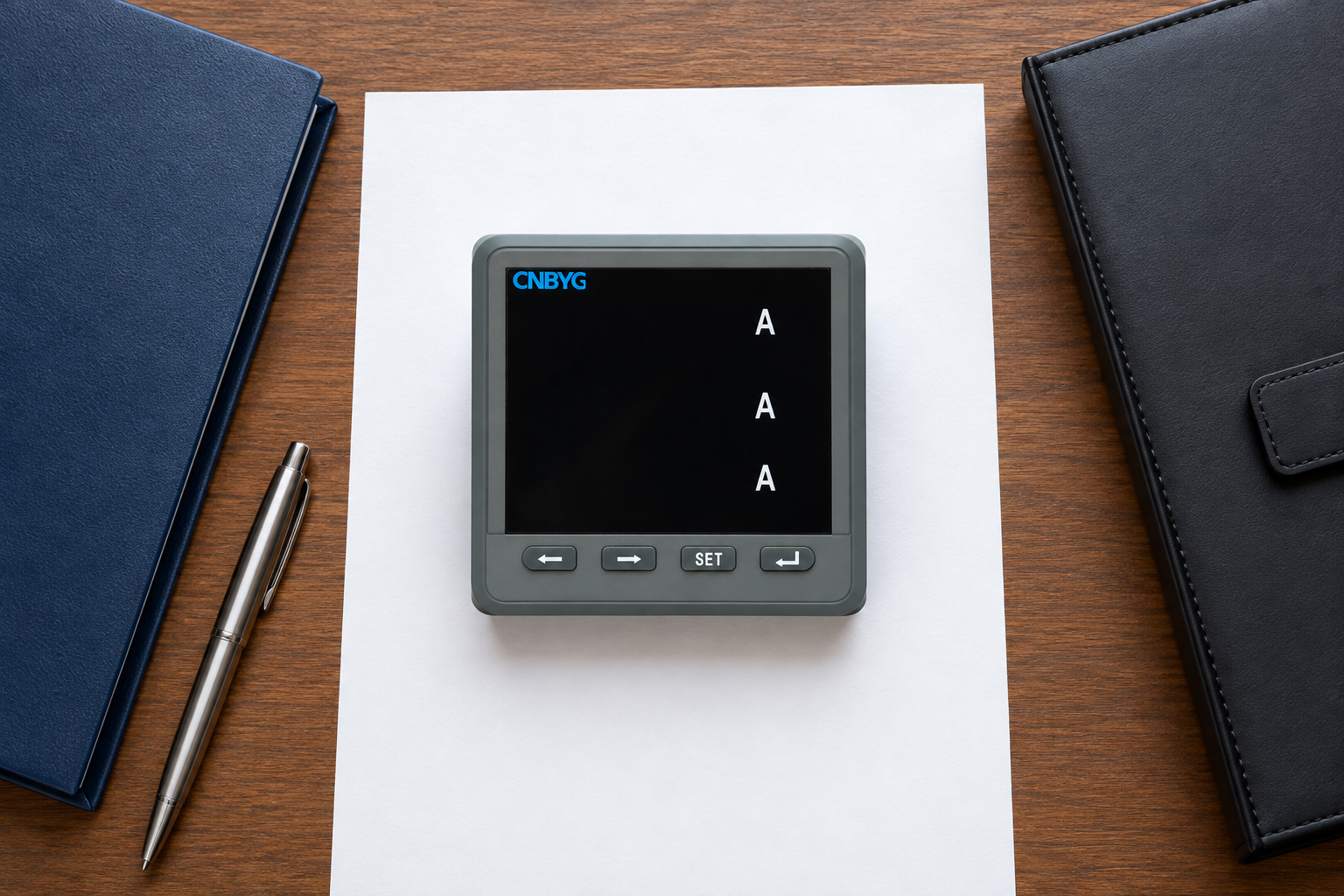
The CNBYG BY194 product page describes a family of multifunctional instruments with optional RS485/MODBUS communication. That family description does not establish that every unit has identical firmware, register definitions or export capabilities. Obtain the exact variant manual and written compatibility confirmation before selecting a replacement or attempting a restore.
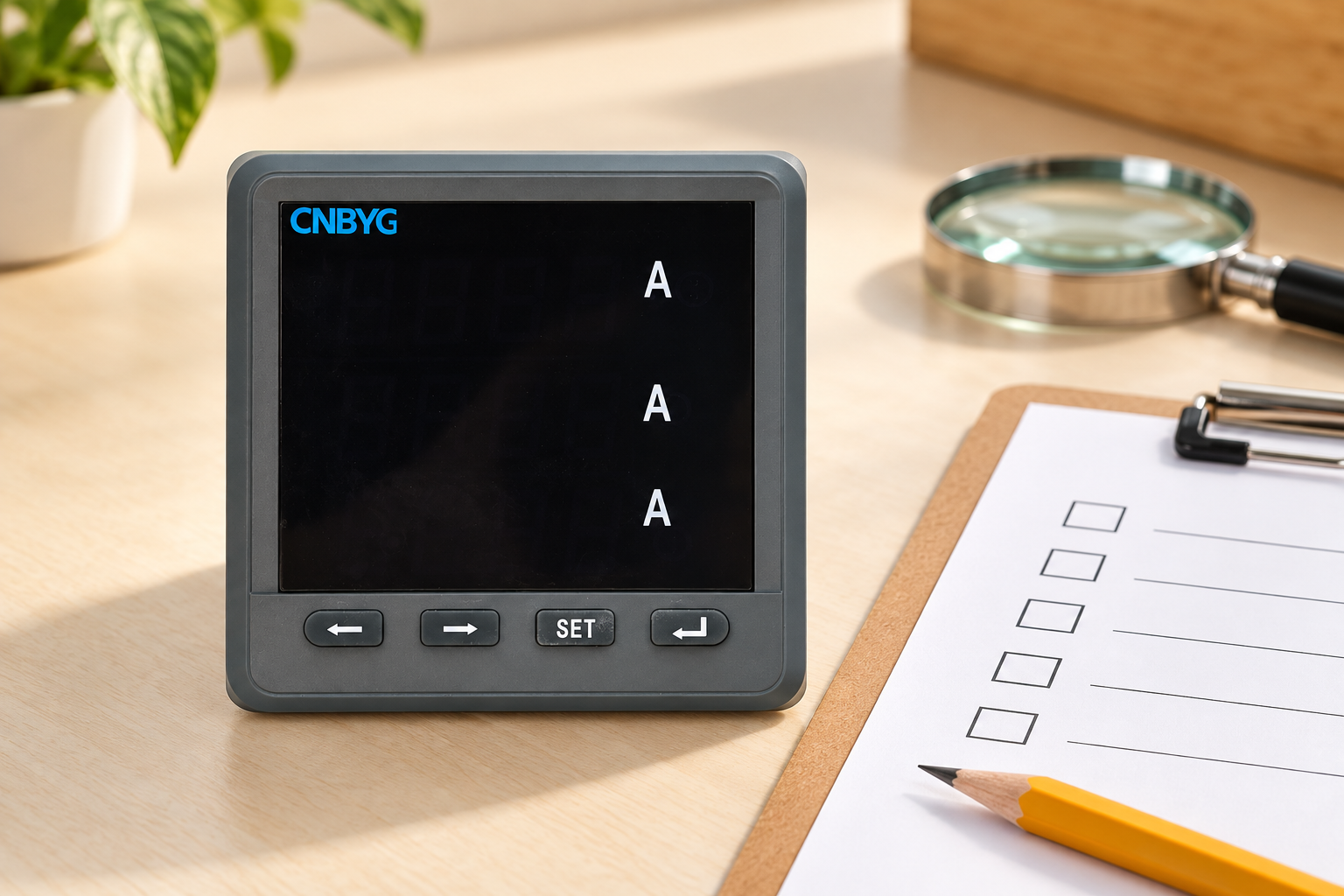
Two instruments can share the same appearance while differing in auxiliary supply, input arrangement or fitted communication options. Conversely, different firmware revisions may remain compatible for some settings but require a revised gateway map. Treat compatibility as a documented decision covering hardware, software and measurement function, rather than as a visual judgement made from the product photograph.
Build a configuration register that can be reviewed
The following table is a suggested record structure. It contains documentation categories, not claimed BY194 menu items. Mark fields as unsupported when the exact instrument does not provide them. A blank field should have an owner and explanation; otherwise the next technician cannot distinguish missing evidence from an intentional default.
| Record group | What to retain | What must be checked during recovery |
|---|---|---|
| Device identity | Order code, serial, firmware and manual revision | Replacement matches approved compatibility scope |
| Measurement circuit | Circuit arrangement and documented input configuration | Settings correspond to the approved drawing |
| Transformer scaling | CT and VT primary/secondary settings with units | Reference measurements use the same scaling boundary |
| Communications | Address, interface settings and network path | Client reaches the intended asset without address conflict |
| Interpretation | Register-map revision, units, data types and scaling | Displayed and logged values agree with the approved map |
| Reporting | Asset name, interval, time basis and counter handling | Records continue under the correct asset and time boundary |
| Recovery controls | Backup location, access owner and acceptance record | Approved copy is readable and rollback is available |
Write units explicitly. A ratio recorded as a single number may be ambiguous when the original system stored primary and secondary quantities separately. State whether the gateway receives primary-scaled values or applies additional multiplication. The separate voltage transformer ratio guide explains why that boundary matters to a measurement comparison.
Capture the baseline without silently changing settings
Use a read-only collection method whenever the documented interface supports it. Record the collection tool and version, operator, time and asset identity. If the tool has both read and write controls, review the procedure in advance and prevent an accidental broad restore operation. A configuration inventory should not become an unplanned production change.
When manual transcription is necessary, capture each relevant screen or documented value and have a second person compare the record with the source. Group related settings so that a reviewer can follow the circuit and communication path. Retain the original evidence alongside the normalized register; a cleaned spreadsheet is easier to read but can hide a transcription mistake.
If an export facility exists, save the unmodified export plus the tool version and applicable manual. Do not rename an unfamiliar proprietary file to a common format or edit its contents to force compatibility. A successful download proves only that a file was obtained. It does not prove that another device can safely interpret it.
Keep settings separate from energy history
Configuration restoration is not the same as transferring cumulative energy. Some devices protect totals, some expose separate registers and some require special commissioning procedures. Follow the exact manual. Never write a counter merely to make a dashboard look continuous. Preserve the outgoing final reading and incoming initial reading as distinct records with a documented handover time.
The historian should identify the replacement event so that reports can distinguish a device change from actual negative consumption, rollover or a gap. Record whether the old counter was read before isolation and whether any interval remained unmeasured. The energy counter rollover guide covers a different cause of discontinuity; do not misclassify replacement as rollover simply because the total decreased.
A practical handover package contains the final accepted configuration, final trustworthy readings, asset identity, change time and rules for reporting incomplete intervals. If contractual billing is involved, obtain the responsible party’s approval of the handover and applicable metering requirements. An engineering backup record does not establish revenue-meter approval or authorize a billing adjustment.
Protect the backup from the incident it must survive
Keep an approved recovery copy outside the single workstation or storage location used for daily configuration work. Choose access and retention controls according to the site’s recovery plan. A copy continuously writable by the same compromised account may be damaged alongside the working files. Avoid putting passwords or sensitive network details into unrestricted maintenance reports.
NIST SP 800-82 Revision 3 provides broader OT security and recovery guidance. Use it to coordinate configuration control with plant operations. Meter recovery can depend on gateway configurations, software installers and licenses, so identify those dependencies rather than retaining a lone device file and assuming the rest will remain available.
The appropriate retention period depends on the change cycle, support arrangements and recovery obligations. Keep enough history to locate a known-good baseline before a fault or unauthorized change. Record why each retained version exists. Repeated copies with unclear dates and no approval trail can make recovery slower because operators cannot confidently choose the right one.
Rehearse recovery before an urgent failure
Where practical, test on a suitable spare or approved isolated environment. Confirm the documented restoration method, required access and time needed to complete it. Verify that recovery materials can be retrieved by the people who will actually be on duty. A successful test performed only by the original author on a personal laptop leaves an avoidable operational dependency.
Compare recovered settings field by field against the baseline. Then verify communications and measurement interpretation separately. Check a documented reference quantity, units and scaling. Confirm that the historian associates readings with the right asset. Communication success alone cannot expose an incorrect transformer ratio or duplicate asset mapping.
Set acceptance conditions before testing. Record the expected result, actual evidence, reviewer and unresolved discrepancy for each critical field. Do not use an invented universal error tolerance: measurement acceptance depends on the instrument specification, test arrangement and application. If a setting cannot be verified, preserve that uncertainty and obtain technical clarification before releasing the restored service.
Release, rollback and continuing maintenance
A recovery plan needs a rollback decision as well as a restore procedure. Define which observations stop the release, who can authorize further investigation and how reporting will mark data from the test period. If a replacement cannot reproduce an essential function, returning the old instrument may require another approved shutdown; plan that possibility before the work begins.
After acceptance, make the verified configuration the new controlled baseline and archive the superseded version. Update drawings, asset records, gateway mapping references and support contacts. Schedule a review after future firmware, transformer or reporting changes. The value of a backup comes from its continued agreement with the operating installation, not the date on which someone first created a file.
Further learning: why isolated recovery copies matter
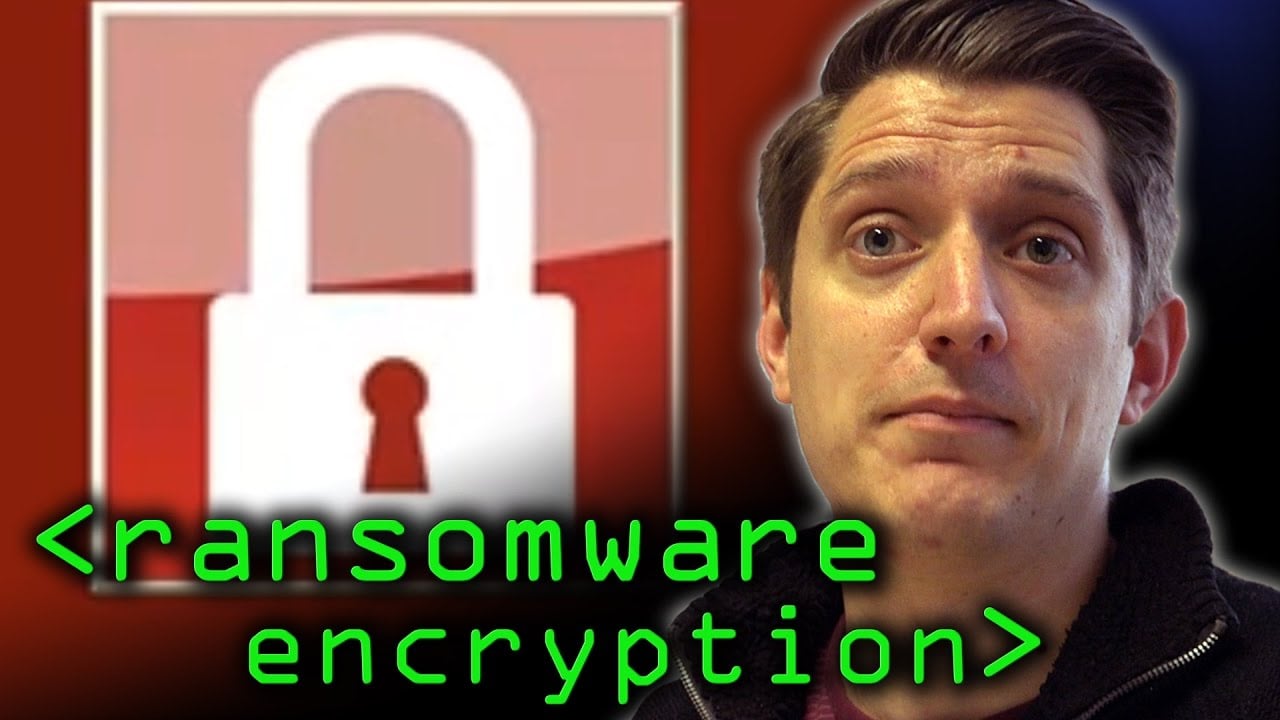
The Computerphile lesson below explains ransomware file encryption. It provides background for protecting recovery materials from a shared compromise; it does not demonstrate meter restoration or specify a backup architecture. The recovery checks in this article remain necessary even when a copy survives an incident.
Frequently asked questions
Does every power meter support exporting its configuration?
No. Check the exact model, firmware and authorized software. If export is unsupported, use an approved manual configuration register with source evidence and independent checking.
Can a configuration backup transfer accumulated energy?
Do not assume so. Settings, counters and historical records are different data categories. Follow the model-specific procedure and preserve the replacement handover readings separately.
Is the same front-panel appearance enough to approve a replacement?
No. Confirm the full order code, input and supply requirements, fitted options, firmware and mapping compatibility before approving the replacement.
When should the backup be updated?
Capture and verify a new controlled baseline after an approved configuration change, while retaining the prior known-good version under the site’s recovery and retention rules.